Tesla Vandalism Example: How Footage Can Help
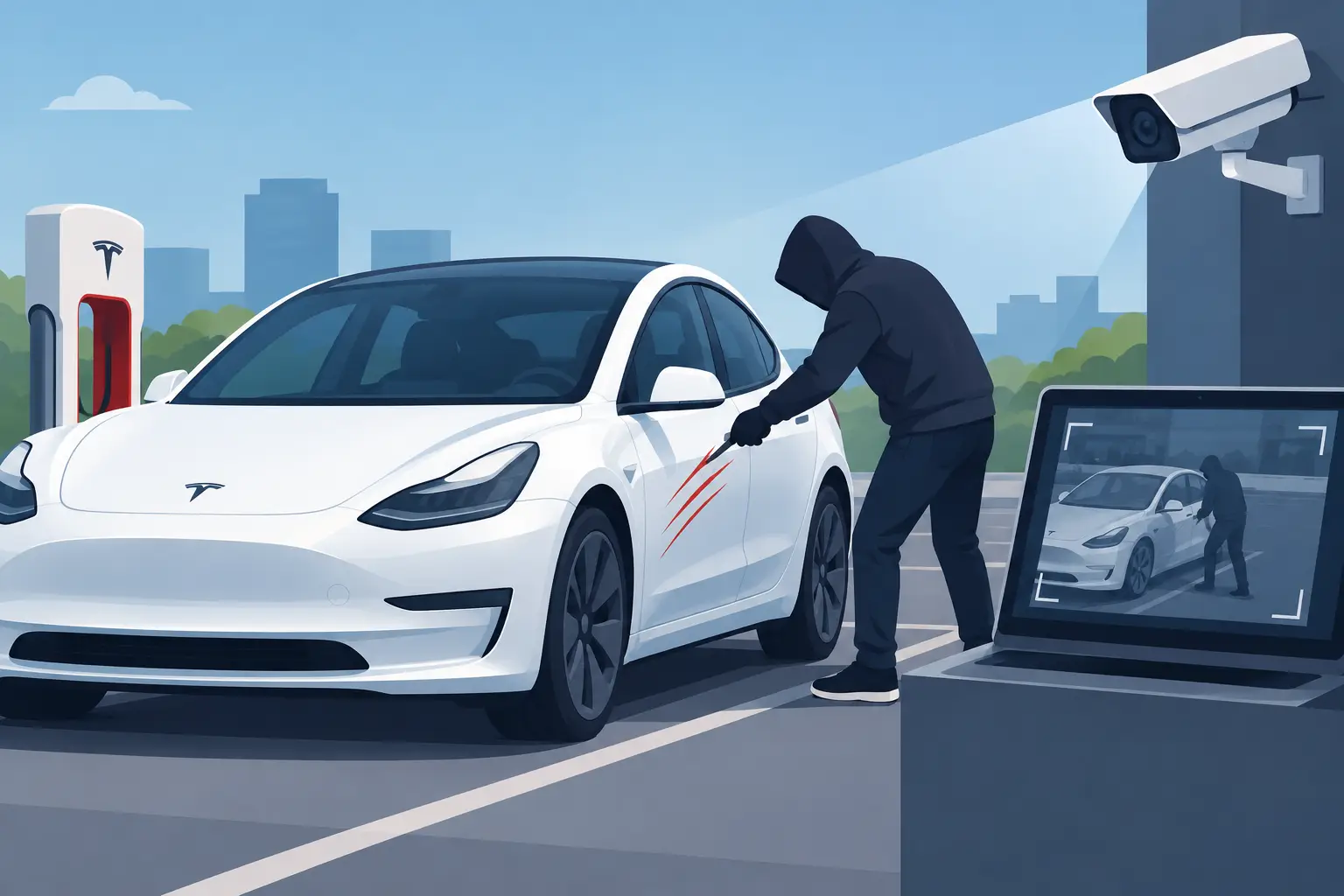
A Tesla vandalism example often starts with an ordinary parking stop: you return to find a scrape along a door, a broken mirror, paint damage, or an object left against the vehicle. The useful evidence may be on the Tesla USB drive, but only if the relevant recording still survives and is handled carefully. What you do next can affect whether a clip remains recoverable.
Sentry Mode is designed to capture activity around the vehicle, while Dashcam can preserve recordings from driving. Neither feature guarantees that every incident is captured in a usable form. A camera may not have a clear view, a recording may be overwritten, or the drive may have been removed, formatted, or damaged before you look. Still, a methodical response gives you the best chance of preserving what remains.
A Tesla vandalism example: what footage may show
Imagine that you park outside a store and later find a deep scratch on the rear quarter panel. You open the Tesla viewer and see a Sentry event near the time you were away, but the clip does not play, appears incomplete, or is no longer listed. In another version of the same situation, no event appears at all, even though the drive had been recording that day.
Useful footage can establish more than the moment of contact. It may show the vehicle’s location, the approximate time, a person approaching or leaving, another vehicle nearby, or the condition of your car before and after an incident. The front, rear, left repeater, and right repeater cameras may each provide a different angle. On AI4/HW4 vehicles, left and right pillar cameras may also be available.
That context can be useful for your own records, an insurance claim, or a police report. It is less useful if it has been altered, copied carelessly, or mixed with unrelated recordings. Preserve the original evidence first, then make working copies for viewing and sharing where appropriate.
First, stop the drive from recording
If footage is missing, do not put the USB drive back into the vehicle to keep recording. Tesla footage is stored on a drive with limited free space, and new recordings can overwrite the data you need. Once data has been overwritten, recovery software cannot recreate those bytes.
Remove the drive safely and set it aside. If the incident is recent, write down the time window, location, vehicle position, visible damage, and anything you remember about nearby people or cars. Take photographs of the damage before repairs or cleaning. A short written record can help you correlate video later, especially if file names or timestamps are missing.
If clips are still visible and play normally, the simplest option is to copy them to a separate location and inspect them with Tesla’s viewer or another suitable local video viewer. Keep the source drive unchanged until you have checked that your copies are complete and playable. A visible file does not always mean it is intact, but it is usually better to preserve it before trying more involved recovery steps.
When the obvious clip is gone
Footage may be absent from the Tesla viewer for several reasons. The event may have been overwritten during normal recording, the drive’s file system may be corrupted, the drive may have been formatted, or the relevant files may have been deleted. In these cases, the recording can sometimes still exist in unallocated space even though it no longer appears as a file.
The key distinction is between data that is no longer visible and data that no longer exists. Recovery tools can scan for surviving file structures and video data, but they cannot recover sectors that later recordings have replaced. Formatting also does not have a single outcome: some formats leave more recoverable data than others, while subsequent use of the drive can reduce what remains.
If the drive behaves unreliably, disconnects, or reports errors, avoid repeatedly opening it in different applications. A read-only disk image can be a safer starting point. It creates a byte-for-byte copy of the readable contents so analysis can continue without placing further write activity on the original drive. An image is not a repair and cannot capture unreadable areas, but it can preserve what the computer can still read at that point.
Encrypted clips require the right keys
New USB clips are encrypted by default on supported Ryzen-infotainment vehicles since Tesla software 2026.20. This includes Model 3 and Model Y, refreshed Model S and Model X, and Cybertruck. Owners can turn encryption off. Earlier clips, vehicles with encryption disabled, Intel-era vehicles, and vehicles in mainland China use ordinary MP4 files instead.
Encryption changes the recovery question. A scan may find a surviving encrypted container that does not appear as a normal playable video file. To decrypt it, the software needs keys associated with the Tesla account linked to the vehicle when that clip was recorded. A Tesla sign-in may therefore be requested when keys are missing. Cached keys can avoid repeat requests for the same clips, but another recording may require another sign-in.
This is different from creating an account with recovery software. ClipSalvage requires no ClipSalvage account, and its video processing, thumbnails, and disk analysis remain on your computer. Tesla sign-in is only relevant when encrypted clips need keys. License activation and verification require internet access.
Assess what survived before relying on it
Recovered footage should be treated as evidence to inspect, not as proof of a complete event. A clip may begin after the relevant action, end early, contain visual corruption, or have missing camera angles. Partly overwritten MP4 files can sometimes be repaired enough to recover surviving video, but overwritten portions remain gone.
A Tesla-focused recovery workflow can identify likely cameras, group related recordings into events, and validate recovered MP4 structure. When original file names are lost, camera estimates can help organize results. Those estimates are guidance, not confirmation. The same applies to integrity assessments and 0-100 confidence scores: they help you prioritize what to inspect, but they are not probabilities or guarantees that a clip will play or show the incident.
Available thumbnails are particularly useful when there are many recovered fragments. They may reveal a parking lot, a curbside location, or the side of the car that matters without requiring you to export every result. Not every clip will have a thumbnail or score, particularly where the surviving data is limited.
A careful recovery path
For footage that is deleted, hidden after a format, or inaccessible because of file system damage, scan the original drive or a read-only image rather than experimenting with write-based repair tools. Look for results around your incident window, then check the individual camera views and surrounding minutes. A person may enter one camera frame before the actual damage appears in another.
ClipSalvage is built for this Tesla-specific process on macOS with Apple Silicon and on Windows 10/11 x64 and Arm64. It scans drives and disk images read-only, identifies surviving Tesla footage, and can decrypt recovered encrypted clips in the same workflow when the necessary Tesla keys are available. It can also attempt best-effort repair of partly overwritten clips.
You can scan, view available thumbnails, and review recovery assessments for free. Decryption of existing encrypted clips is free and unlimited. Existing encrypted clips can be exported free when no repair is needed. Deleted and repaired clips share three free recovery exports, with repeat exports counting toward that total. The free tier has no time limit. If you need more recovery exports, Pro is a $49 one-time purchase for unlimited recovery exports; it does not add different recovery or repair capabilities.
Save any export to a separate drive or folder, never back onto the source USB drive. Open the saved copy and check the time range, camera angle, and playback before you reuse or erase the original. If you provide footage to an insurer or law enforcement, retain your original copy and record what you shared.
The most valuable result is not necessarily a perfect clip. A short, verifiable sequence that establishes time, place, approach, or damage can still help you document what happened. Preserve the drive, work from copies, and let the surviving footage set the limits of the story.